Ultra-realistic AI voices for any script, any language, any audience. Powered by ElevenLabs, Azure, and OpenAI all inside vidBoard.
Powered by the world's best voice AI providers
One voice engine for all your videos: marketing, training, product demos, and more.
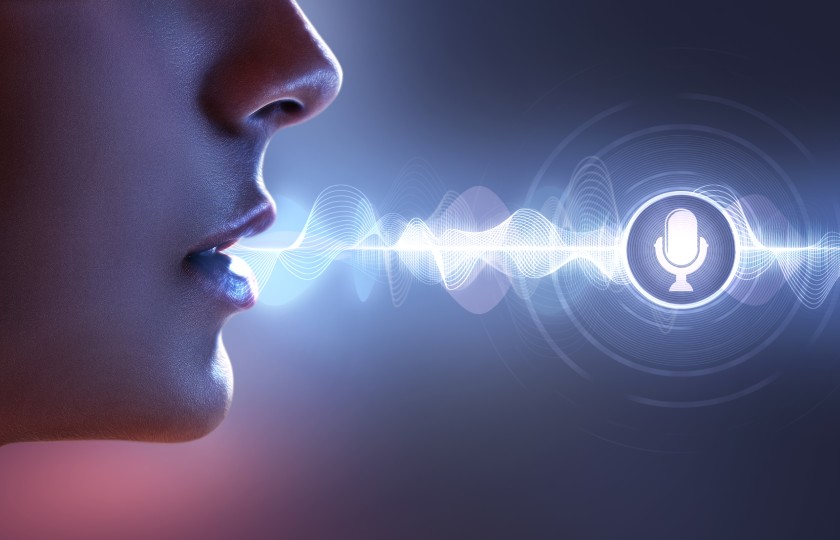
Filter by language, gender, age, style, and accent. Whether you need a calm narrator, an energetic presenter, or a warm educator, find exactly the right voice instantly. All premium providers are included at no extra cost.
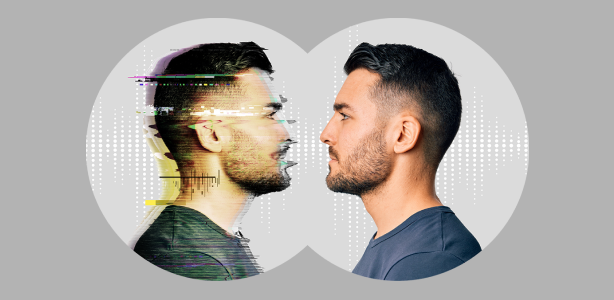
Record a short sample and create a branded voice that carries your personality into every video. Use your own voice to narrate in 125+ languages without recording a single extra word.

Adjust pacing, add pauses, and control emphasis on key words. Sync your narration perfectly with your video timeline, all from within the vidBoard editor without ever leaving the platform.
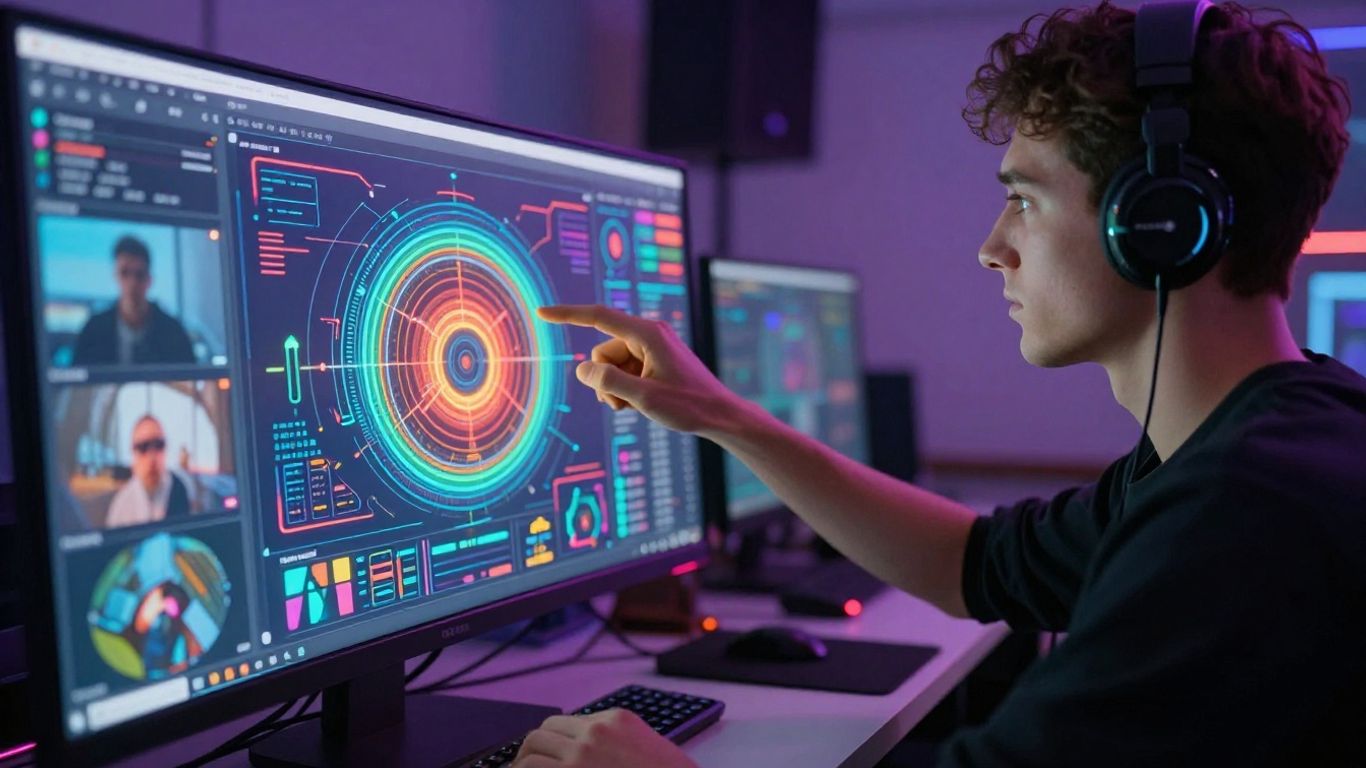
Create your video once, then instantly localize it in dozens of languages while keeping the same avatar, visuals, and brand style. No re-shoots, no external agencies, no extra budget.

Drop in any text, upload a document, or paste a URL. vidBoard auto-splits it into narration-ready scenes.
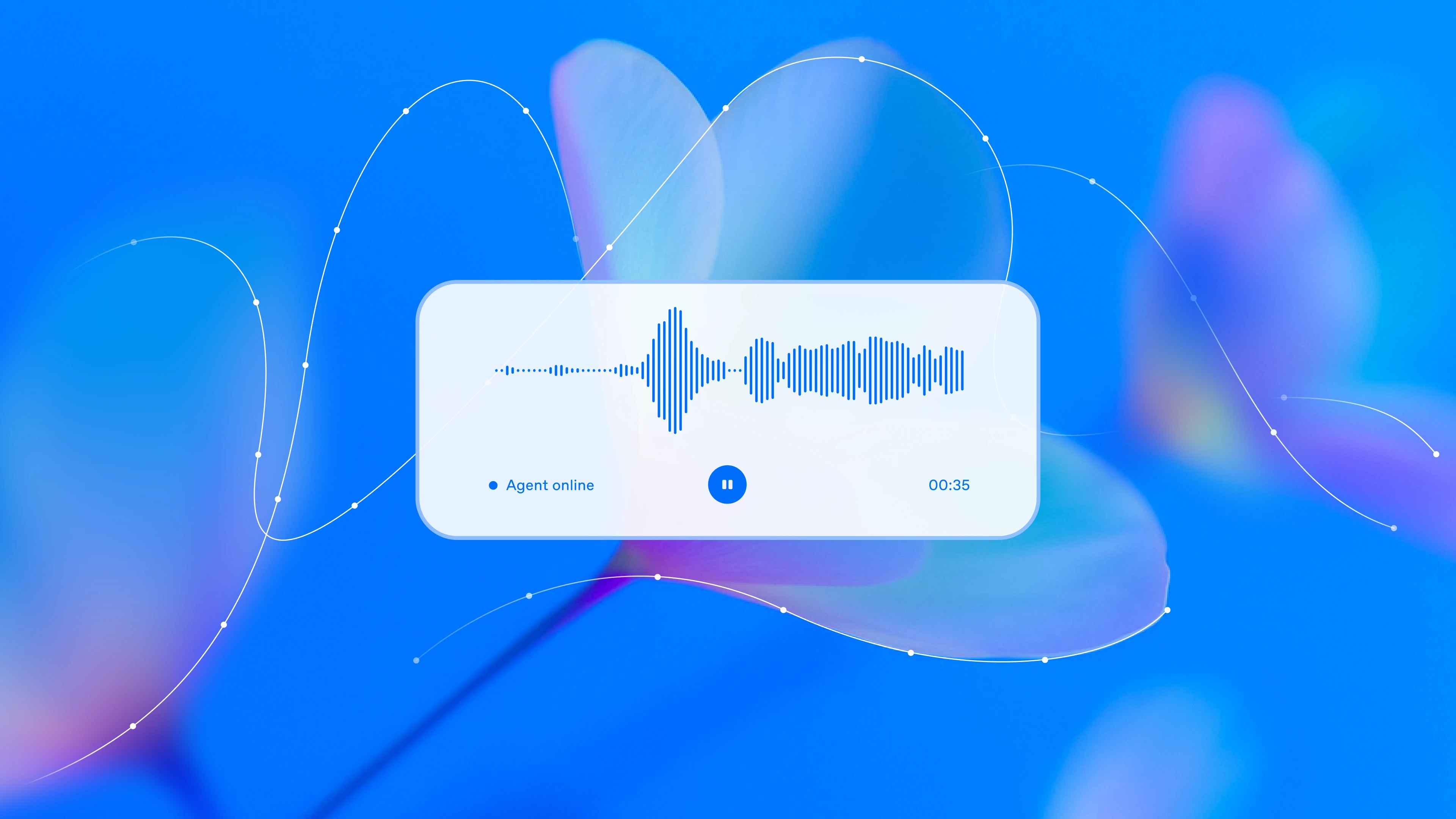
Browse 1000+ voices by language and style, or create a personal clone from a short audio sample.

Adjust pacing and emphasis, then export a standalone audio file or a full video with avatars and captions included.

Launch campaigns in multiple languages with consistent, persuasive voiceovers for ads, landing pages, and promos.

Update courses and onboarding videos on the fly without re-recording, while keeping a consistent instructor voice.

Layer clear narration over UI walkthroughs and feature tours so users instantly understand what's new.
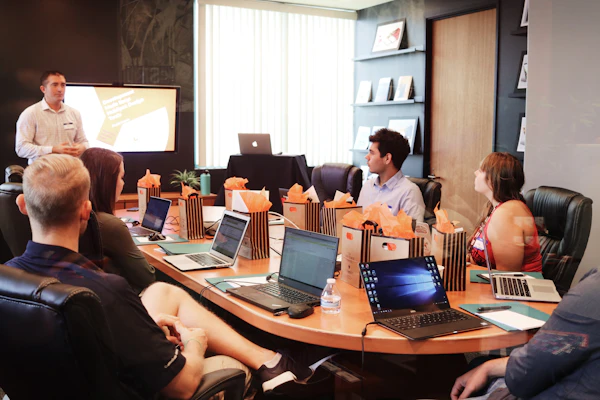
Turn long memos and leadership updates into short, engaging video messages your team actually listens to.
Everything you need to know before getting started with AI voices.
vidBoard connects to ElevenLabs, Azure, and OpenAI - the world's most advanced neural voice models. The result is natural pacing, breathing, and expression that's nearly indistinguishable from a real voice actor.
Yes. Record or upload a clear audio sample and create a personal voice clone usable in any language. Perfect for maintaining a consistent brand voice across all your content.
Yes. All AI voices generated inside vidBoard can be used in commercial projects. Provider-specific licensing details are surfaced in the app so you always know exactly what you can use and where.
Absolutely. Export as a standalone audio file (MP3/WAV) for use in external editors, slide decks, or podcasts. Or render a full video with avatar, captions, and background music in one step.
vidBoard AI Voices support 125+ languages and regional accents. Create a video once and localize it for every market without re-filming or re-recording any content.
Join thousands of creators and teams who use vidBoard AI Voices to produce studio-quality videos without a single recording session.